

दोस्त,
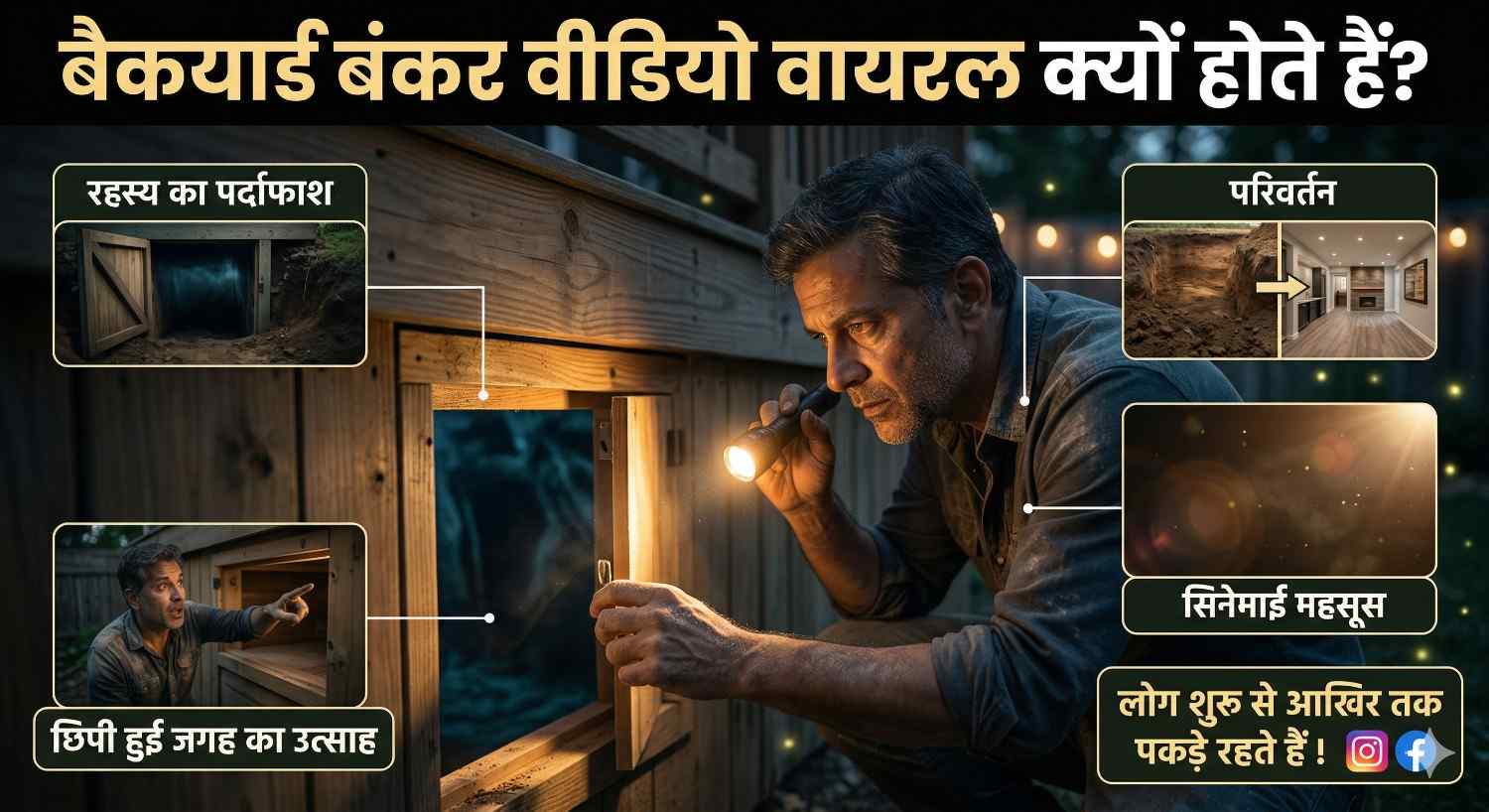
अगर आपने YouTube Shorts, Instagram Reels या Facebook पर Backyard Bunker type videos देखी हैं, तो आपने एक चीज़ जरूर notice की होगी — ये videos लोगों को शुरू से आखिर तक पकड़े रखती हैं.
क्यों? क्योंकि इनमें mystery होती है, transformation होता है, hidden space वाला excitement होता है, और सबसे important, एक cinematic feel होती है.
इस article में मैं आपको theory नहीं दूँगा.
मैं आपको practical तरीके से समझाऊँगा कि Backyard Bunker viral videos क्या होते हैं, Veo 3.1 इसमें कैसे help करता है, prompt कैसे लिखना है, scene कैसे plan करने हैं, और final video को viral feel कैसे देनी है.
Table of Contents
Backyard Bunker videos इतने वायरल क्यों हो रहे हैं?
इस type की videos में एक strong curiosity factor होता है.
Viewer पहले normal backyard देखता है.
फिर digging शुरू होती है.
फिर hidden entry दिखती है.
फिर अंदर कोई secret room, survival bunker, luxury underground setup या cinematic reveal आता है.
यही build-up लोगों को video में रोके रखता है.
Simple words में कहूँ, तो ये videos सिर्फ construction या design की वजह से viral नहीं होतीं.
ये viral होती हैं क्योंकि इनमें story + mystery + reveal तीनों चीजें एक साथ होती हैं.
Backyard Bunker Viral Video में लोग क्या देखना पसंद करते हैं?
अगर आप viewer psychology समझ गए, तो half game वहीं जीत जाओगे.
ऐसी videos में लोग आम तौर पर ये चीजें देखना पसंद करते हैं:

- normal place का dramatic transformation
- hidden door या secret entry
- underground luxury room
- survival bunker setup
- before-after reveal
- cinematic camera movement
- realistic lighting और depth
- strong final surprise
मतलब viewer को सिर्फ hole digging नहीं देखना.
उसे ऐसा feel होना चाहिए कि कुछ बड़ा reveal होने वाला है.
Backyard Bunker videos के लिए पहले क्या तैयार करें?
बहुत लोग सीधे tool खोलकर video generate करना शुरू कर देते हैं. यही सबसे common mistake है.
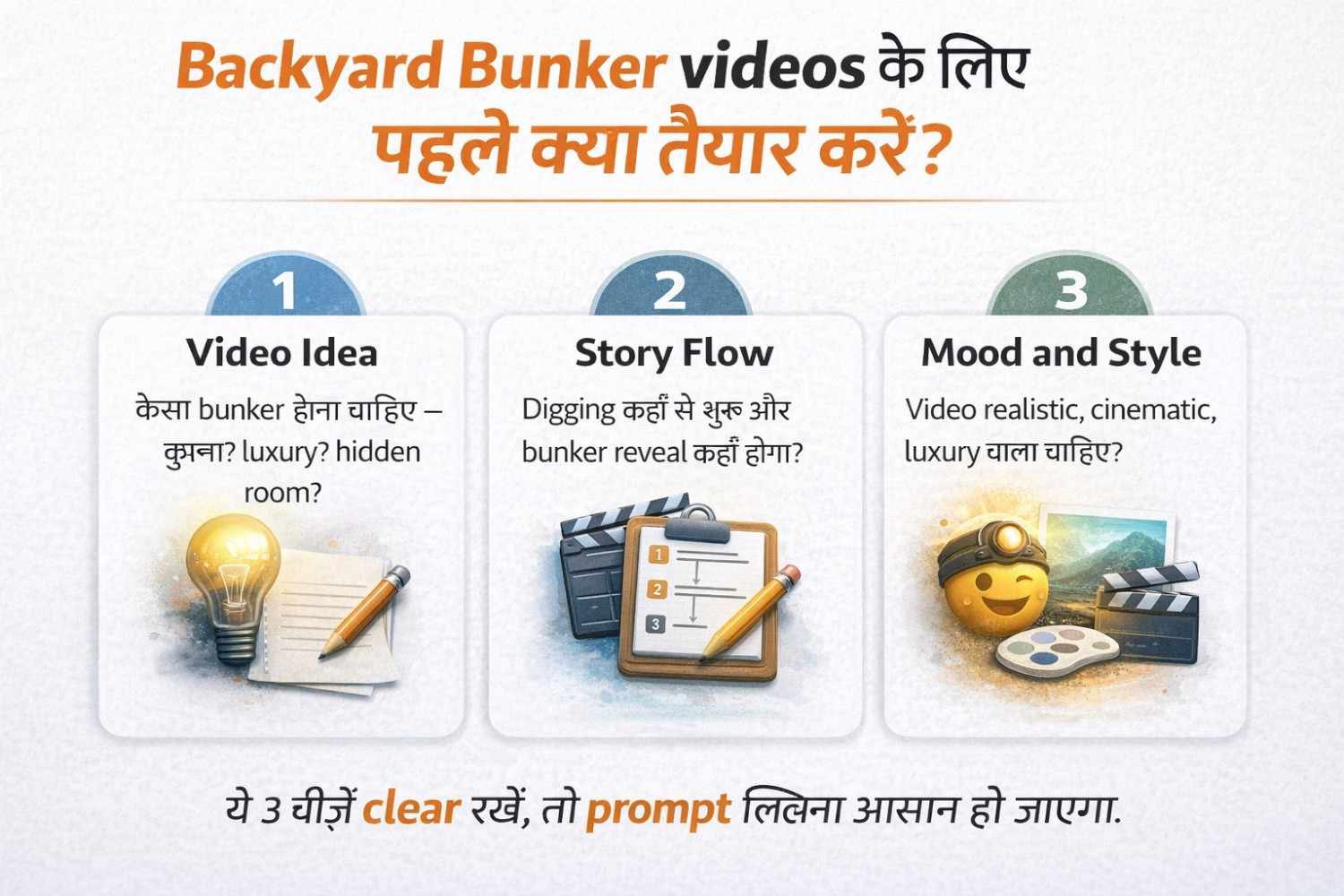
पहले आपको 3 चीजें clear करनी चाहिए:
1. Video idea
आपका bunker कैसा होगा?
- survival bunker
- luxury underground bunker
- secret apocalypse bunker
- modern hidden room
- military-style shelter
2. Story flow
Video में क्या sequence होगा?
- backyard normal दिखेगा
- digging start होगी
- hidden hatch reveal होगा
- entry open होगी
- अंदर cinematic bunker दिखेगा
3. Mood and visual style
आप video को किस feel में चाहते हो?
- realistic
- dark mystery
- cinematic luxury
- post-apocalyptic
- futuristic survival
अगर ये 3 चीजें पहले clear हैं, तो prompt लिखना आसान हो जाता है.
Backyard Bunker Viral Video बनाने का Step-by-Step तरीका
अब practical part.
Step 1: पहले concept तय करो
सबसे पहले decide करो कि आपकी video किस तरह की होगी.
Example:
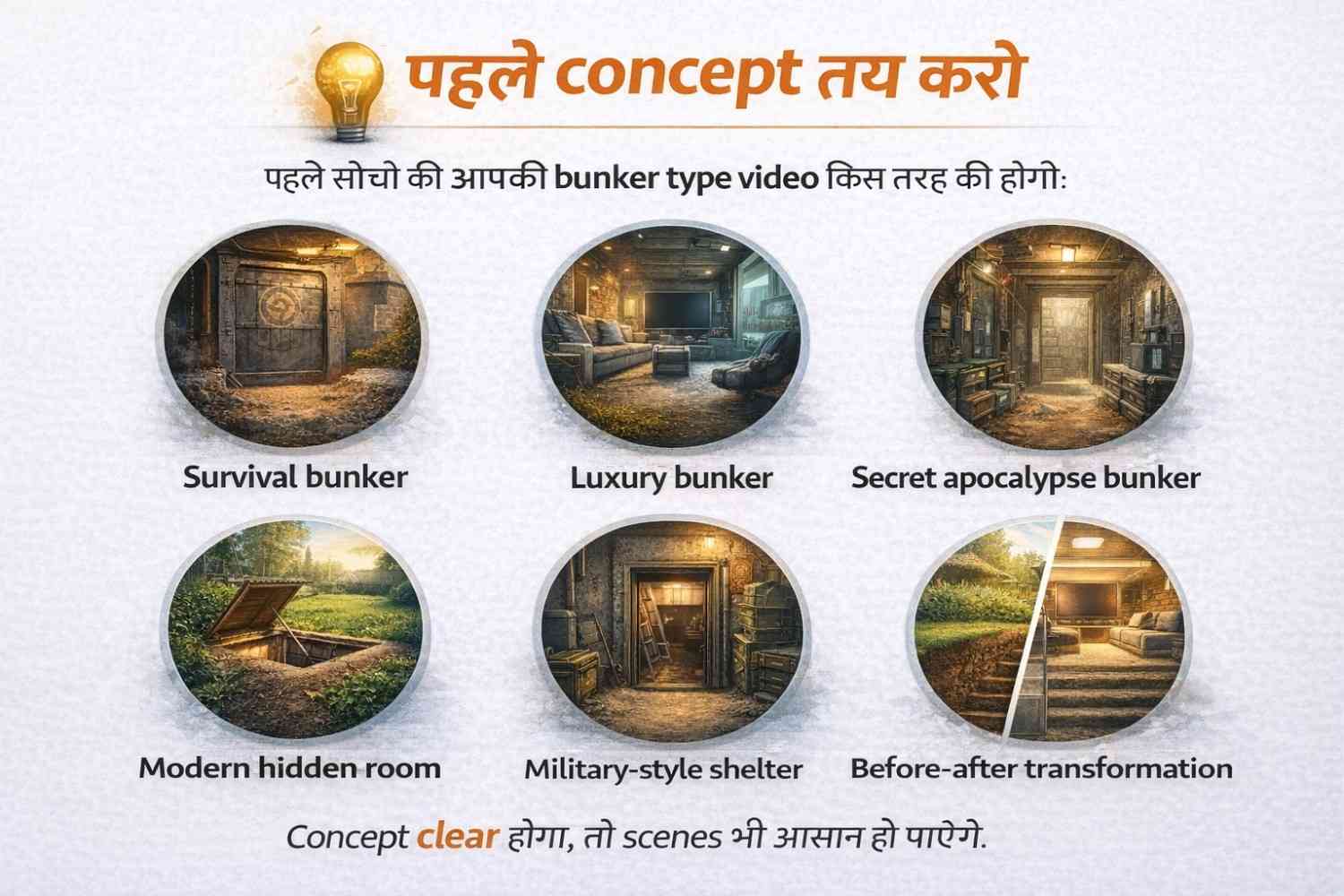
“एक normal backyard के नीचे hidden luxury bunker reveal होना”
या
“apocalypse survival bunker with dramatic underground entry”
Concept clear होगा, तो scenes भी clear होंगे.
Step 2: पूरा video एक साथ मत सोचो
सबसे बड़ी गलती यही होती है.
पूरे video को छोटे scenes में तोड़ो.
Example:
- Scene 1: normal backyard wide shot
- Scene 2: digging शुरू
- Scene 3: metal hatch दिखाई दे
- Scene 4: hatch open हो
- Scene 5: stairs going underground
- Scene 6: luxury bunker interior reveal
जब आप scene by scene सोचते हो, तब result ज्यादा controlled आता है.
Step 3: prompt को detail में लिखो
Prompt में सिर्फ object नहीं, पूरा cinematic direction दो.
उदाहरण के लिए simple prompt:
“a backyard bunker video”
ये weak है.
Better prompt:
“Cinematic wide shot of a suburban backyard at sunset, a man digging the ground with dramatic intensity, realistic soil movement, soft golden light, suspenseful atmosphere, slow camera push-in, ultra realistic, cinematic details”
अब AI को समझ आता है कि आपको सिर्फ digging नहीं, cinematic digging scene चाहिए.
Step 4: हर scene का अलग prompt बनाओ
एक ही prompt से पूरा video perfect नहीं आएगा.
Scene-wise prompts लिखो.
यही professional तरीका है.
Step 5: best clips select करो
AI generated clips में हर output perfect नहीं होगा.
2–3 versions में से best वाला लो.
जो clip सबसे natural, smooth और cinematic लगे, उसी को final timeline में रखो.
Step 6: final editing करो
Veo clip generate कर सकता है, लेकिन viral feel editing से आती है.
Editing में ध्यान दो:
- fast opening hook
- smooth cut transitions
- suspense sound effects
- dramatic music
- readable captions
- final reveal को impact देना
यहीं पर वीडियो average से strong बनती है.
Best Backyard Bunker Prompt Ideas
अब थोड़े अलग और creative prompt ideas देखते हैं.
यहाँ मैं वही पुराने basic ideas repeat नहीं कर रहा. मैं ऐसे concepts दे रहा हूँ जो video को ज़्यादा cinematic, curiosity-driven और viral-feel वाला बना सकते हैं.
Rainy Night Bunker Discovery
“Cinematic rainy night in a quiet backyard, wet soil reflecting dim garden lights, a man digging in the mud and suddenly uncovering a rusted circular bunker door, lightning in the background, suspenseful atmosphere, realistic rain droplets, handheld camera feel, ultra detailed, dark mystery mood”
Luxury Bunker Behind a Small Garden
“Beautiful suburban backyard with flowers and trimmed grass, hidden underground entrance opening beneath a tiny garden bench, cinematic reveal of a luxury bunker with warm ambient lights, modern furniture, storage walls, dramatic camera movement, ultra realistic textures, rich cinematic atmosphere”
Cinematic look लाने के Pro Tips
अगर आप चाहते हो कि video सच में cinematic लगे, तो ये चीजें बहुत काम आएँगी:
Camera angle mention करो
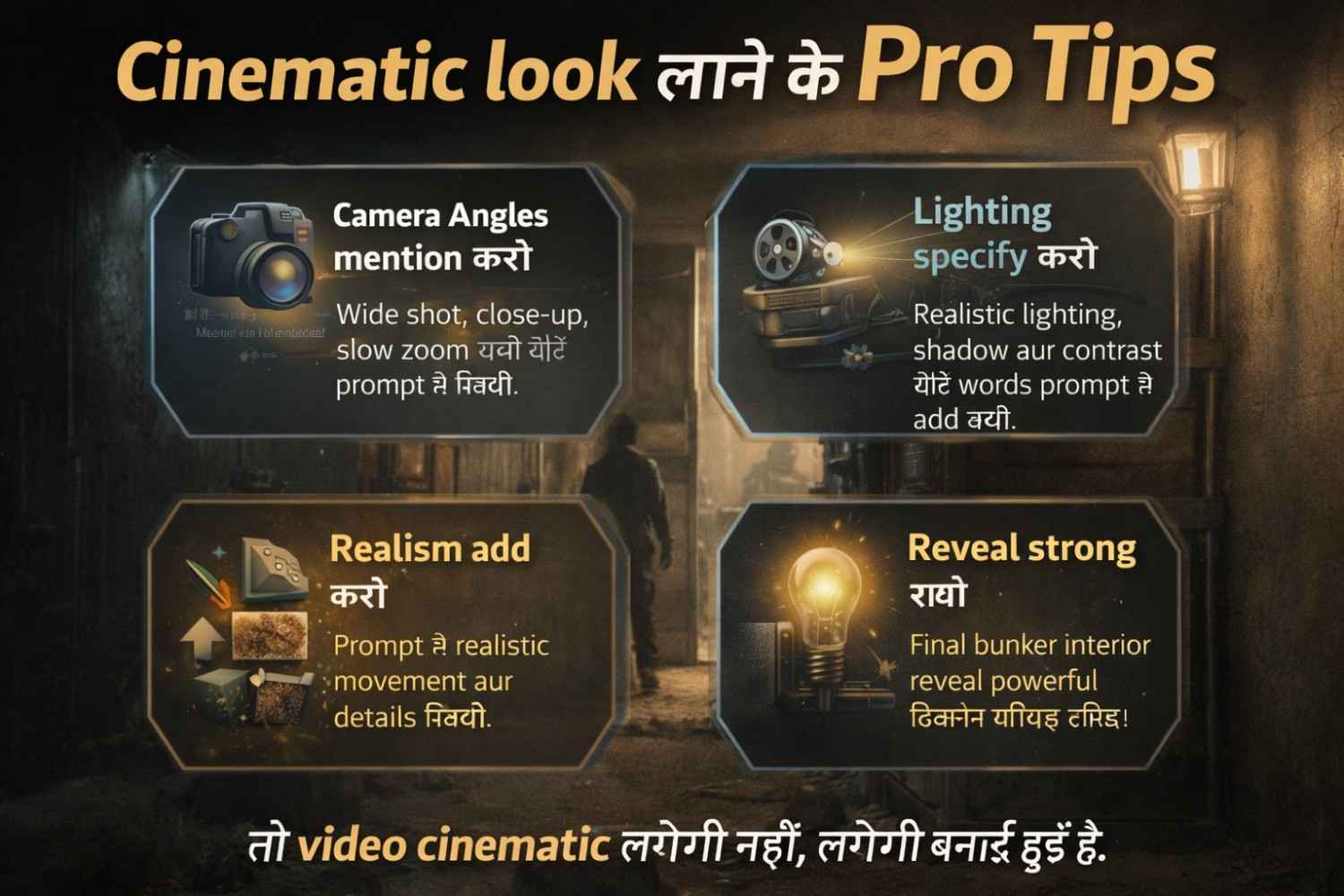
Prompt में wide shot, top shot, close-up, slow zoom, tracking shot जैसी चीजें लिखो.
Lighting ignore मत करो
Lighting ही video का mood बनाती है.
Use words like:
- dramatic lighting
- sunset glow
- underground ambient light
- moody shadows
- cinematic contrast
Realism add करो
Prompt में realistic soil, natural hand movement, dust particles, detailed textures, cinematic depth जैसे words बहुत help करते हैं.
Reveal strong रखो
Final reveal weak होगा, तो पूरी video का impact गिर जाएगा.
Bunker interior वाला shot सबसे powerful होना चाहिए.
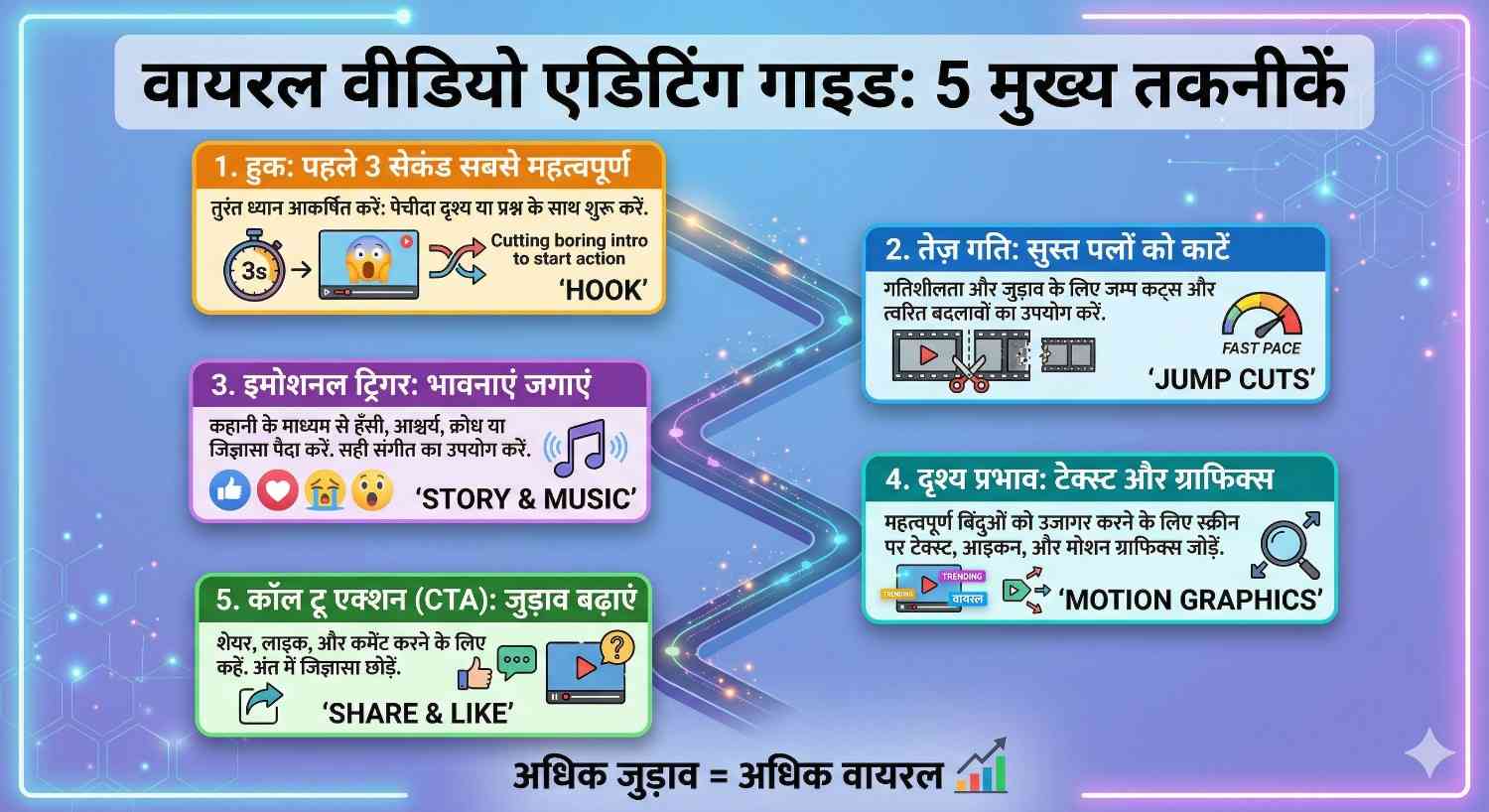
Viral बनाने के लिए Editing में क्या करें?
AI video बना देना enough नहीं है.
Viral feel editing से आती है.
Hook strong रखो
Video की शुरुआत boring मत रखो.
पहले 2 seconds में curiosity पैदा होनी चाहिए.
Example:
“उसने अपने backyard में जो छुपाया था, वो किसी ने नहीं सोचा…”
Sound effects add करो
Digging, metal hit, hatch open, underground echo — ये sounds video को engaging बनाते हैं.
Captions readable रखो
बहुत flashy text मत लगाओ.
Simple, bold और readable captions ज्यादा better रहते हैं.
Pacing slow मत होने दो
अगर scenes बहुत लंबे हैं, तो viewer skip कर देगा.
Shorts में tight pacing जरूरी है.
Common mistakes जो लोग करते हैं
बहुत लोग यही mistakes बार-बार करते हैं:
1. Weak prompt
सीधा simple prompt डाल देते हैं, और फिर result weak आता है.
2. No scene planning
पूरी video एक ही prompt में बनाना चाहते हैं.
3. Over-editing
इतने effects डाल देते हैं कि realism ही चला जाता है.
4. Bad pacing
Reveal बहुत late आता है, इसलिए viewer पहले ही scroll कर देता है.
5. Poor consistency
एक clip realistic, दूसरी cartoonish, तीसरी dark — इससे पूरी video disconnected लगती है.
क्या ऐसे videos monetize किए जा सकते हैं?
हाँ, किए जा सकते हैं — लेकिन एक बात साफ समझो.
अगर आप AI clips को बस random तरीके से जोड़कर upload कर रहे हो, तो long-term में strong result आना मुश्किल है.
लेकिन अगर आप proper editing, storytelling, original prompt work, captions, voiceover और creative presentation add करते हो, तो content ज्यादा valuable बनता है.
मतलब सिर्फ AI video generate कर देना enough नहीं है.
Final presentation आपकी originality से ही strong बनेगी.
READ MORE:Sora AI से Viral YouTube Shorts कैसे बनाएं? जानिए सबसे आसान तरीका
Beginners कहाँ से शुरू करें?
अगर आप beginner हो, तो शुरुआत complicated bunker story से मत करो.
पहले simple video बनाओ:
- backyard wide shot
- digging shot
- hatch reveal
- underground room reveal
बस 4 scene का sequence बनाओ.
जब इस flow में consistency आने लगे, तब bigger concepts try करो.
सीधी बात — पहले control सीखो, फिर complexity बढ़ाओ.
FAQs
1. क्या Backyard Bunker videos बनाने के लिए पहले से video editing आना जरूरी है?
जरूरी नहीं है, लेकिन basic editing आना बहुत help करता है. AI clip बना देगा, पर flow और final impact editing से ही आता है.
2. अगर Veo 3.1 का पहला result अच्छा न आए तो क्या करें?
घबराओ मत, पहला result perfect आना जरूरी नहीं है. Prompt में lighting, angle या mood बदलकर फिर try करो.
3. Backyard Bunker video में सबसे important हिस्सा कौन-सा होता है?
मेरे हिसाब से सबसे important हिस्सा reveal होता है. Final reveal weak हुआ, तो पूरी video का impact नीचे आ जाता है.
4. क्या छोटी video ज्यादा अच्छा perform कर सकती है?
हाँ, कई बार short और tight video ज्यादा अच्छा perform करती है. 20–30 seconds में mystery और reveal आ जाए, तो viewer ज्यादा रुका रहता है.
5. क्या बिना voiceover के भी ऐसी videos viral हो सकती हैं?
हाँ, हो सकती हैं. Strong visuals, tight editing और सही captions हों, तो बिना voiceover भी video engaging लगती है.

नमस्ते दोस्तों, मैं आकाश हूँ, AI With Me का founder।
AI With Me एक technology blog है, जहाँ मैं Artificial Intelligence, AI tools, online earning ideas, digital marketing, blogging tips और latest tech updates को आसान भाषा में समझाने की कोशिश करता हूँ।
मेरा मकसद simple है — tech और AI से जुड़ी जानकारी को इतना आसान बनाना कि beginner भी उसे समझ सके और अपने काम, study, content creation या online growth में सही तरीके से use कर सके।
1 thought on “Google Veo 3.1 से Cinematic Backyard Bunker Viral Videos कैसे बनाएं”